The New School App
New York
UX/UI
2020

The New School App

A redesign of the New School app that allows users to manage their funds provided by the school. The app offers a range of services including budget tracking, bill payments and spend tracking. The app aims to simplify financial management and empower students to make informed decisions so that they can focus on living a more comfortable campus life.
CHALLENGE

The New School's app is an essential tool for students to access information, resources and services. However, many students experience difficulties when it comes to managing and tracking funds provided by the school.

Problem Statement

Some common issues students face when using the New School app:

  • Some students find it difficult to navigate the app, leading to frustration and wasted time.

  • The app lacks essential features that would make it easier for students to manage their financial life.

  • The app's design and layout is outdated and confusing, making it hard for students to understand how to use the app efficiently.

Solution

To address these issues, there is a need for The New School app to:

  • Connect all the funds and offer a seamless way for students to transfer money between them.

  • Offer budgeting tools and spending overview to help students stay on top of their expenses.

  • Provide a clear and user-friendly interface, making it easier for students to understand.

DEFINE

Models and vision

DESIGN

Style guide

Logo
Icon
Wordmark
Widget
Typography

Aa

Inter Regular
Inter Semibold
ABCDEFGHIJKLMNOPQRSTUVWXYZ
abcdefghijklmnopqrstuvwxyz
0123456789!@#$%^&*()-+=
Iconography
Color palette

Loading & Sign In

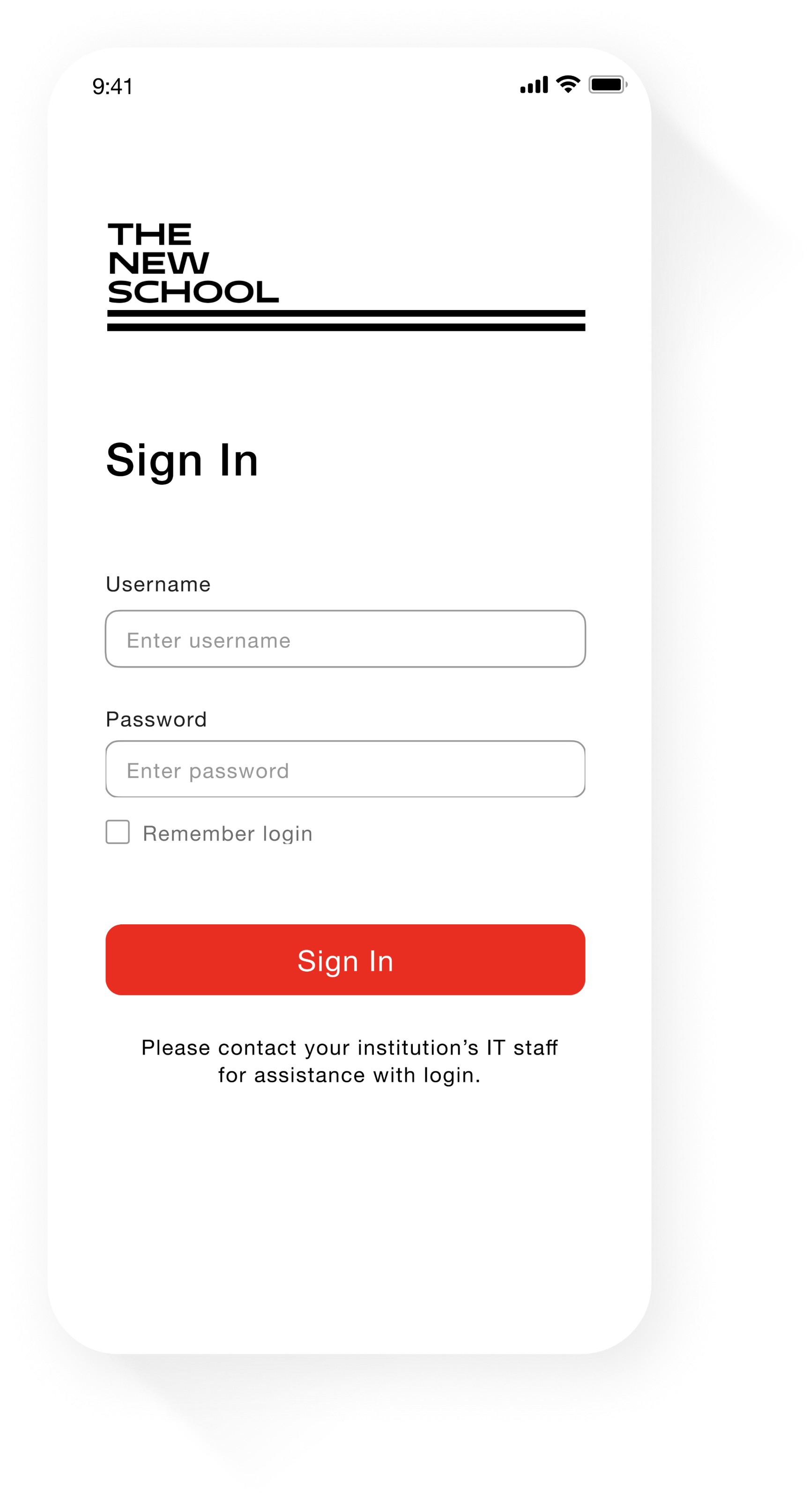
To ensure that the app is exclusive to students, the app only provides a sign-in option where students can use their login credentials to access the app.

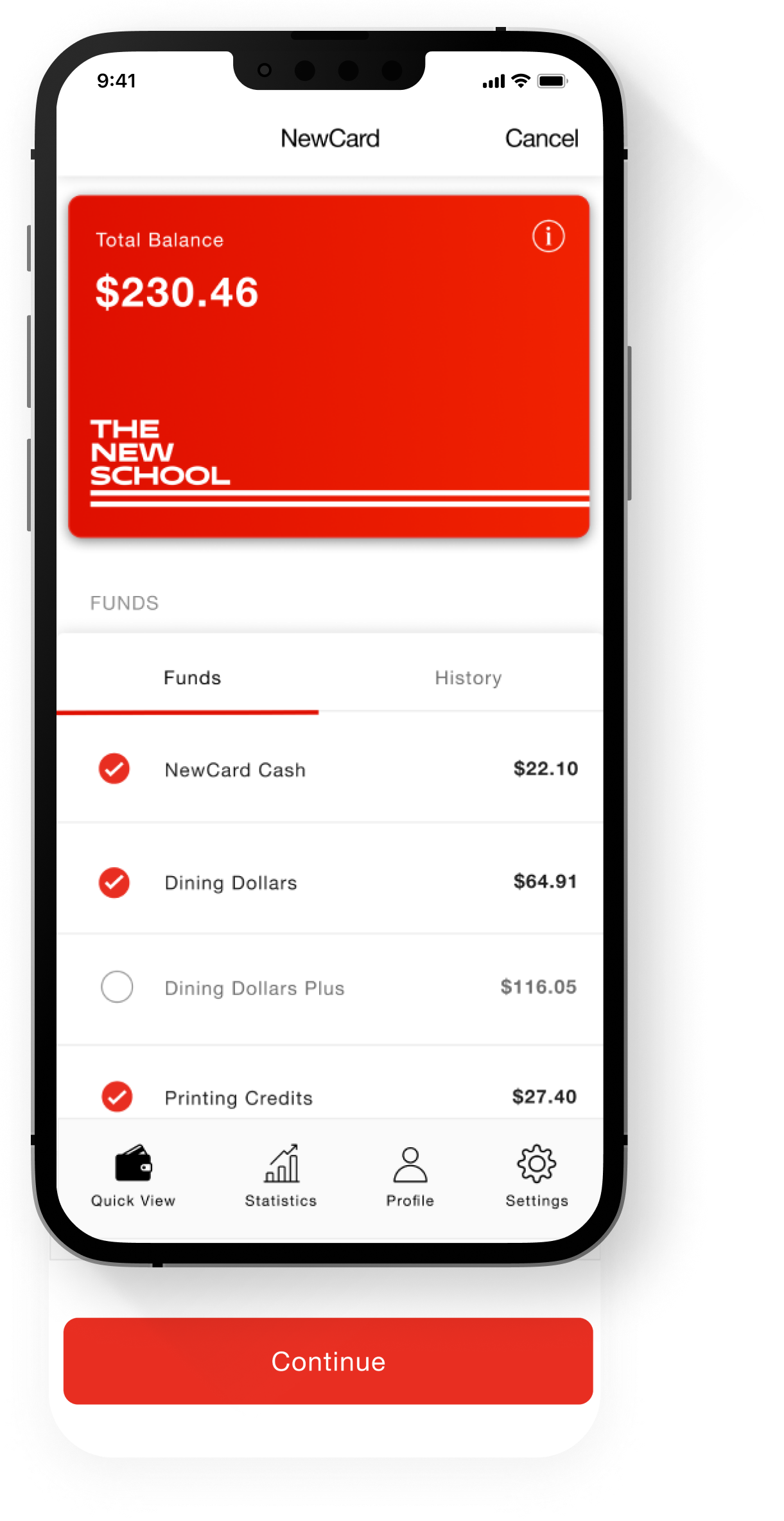
Available funds

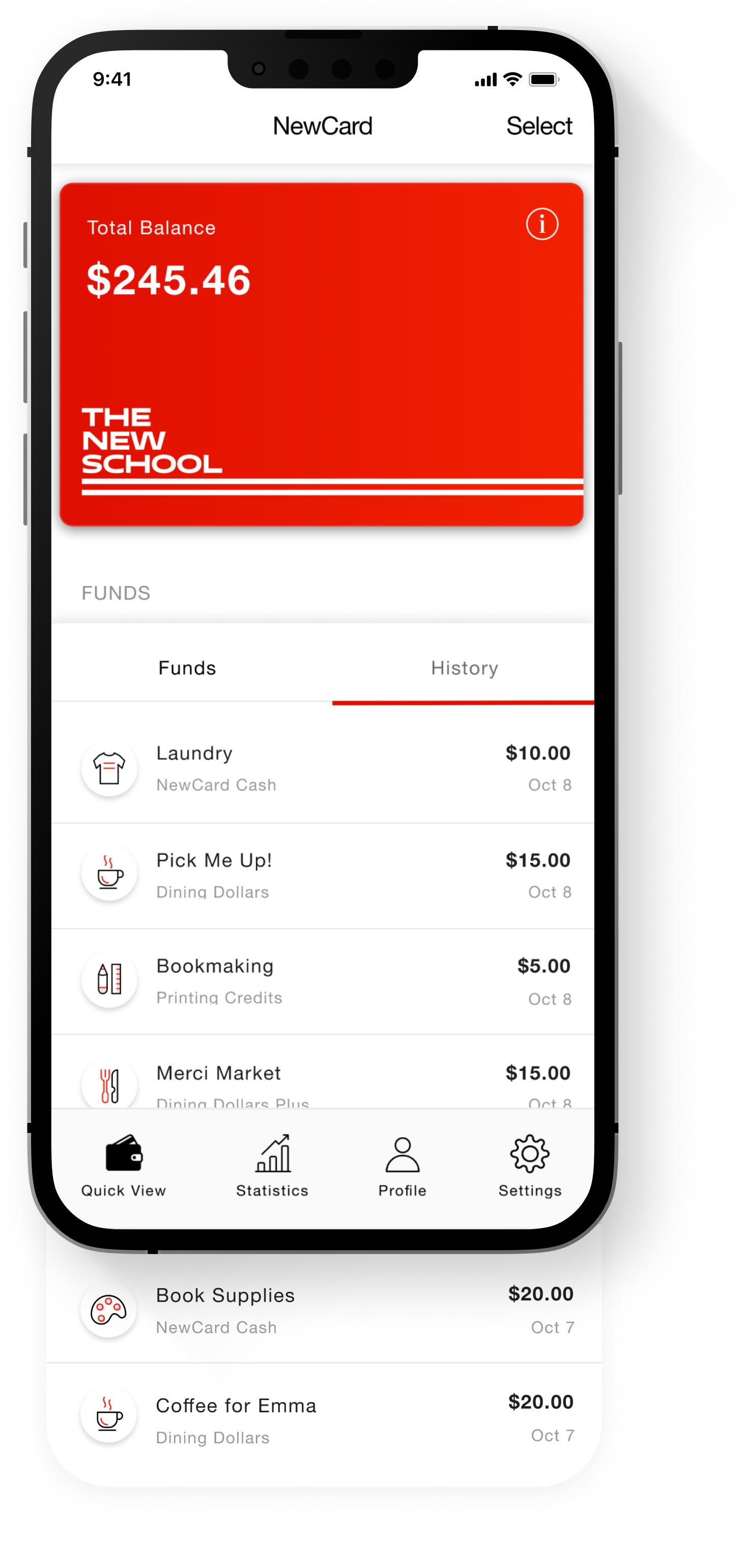
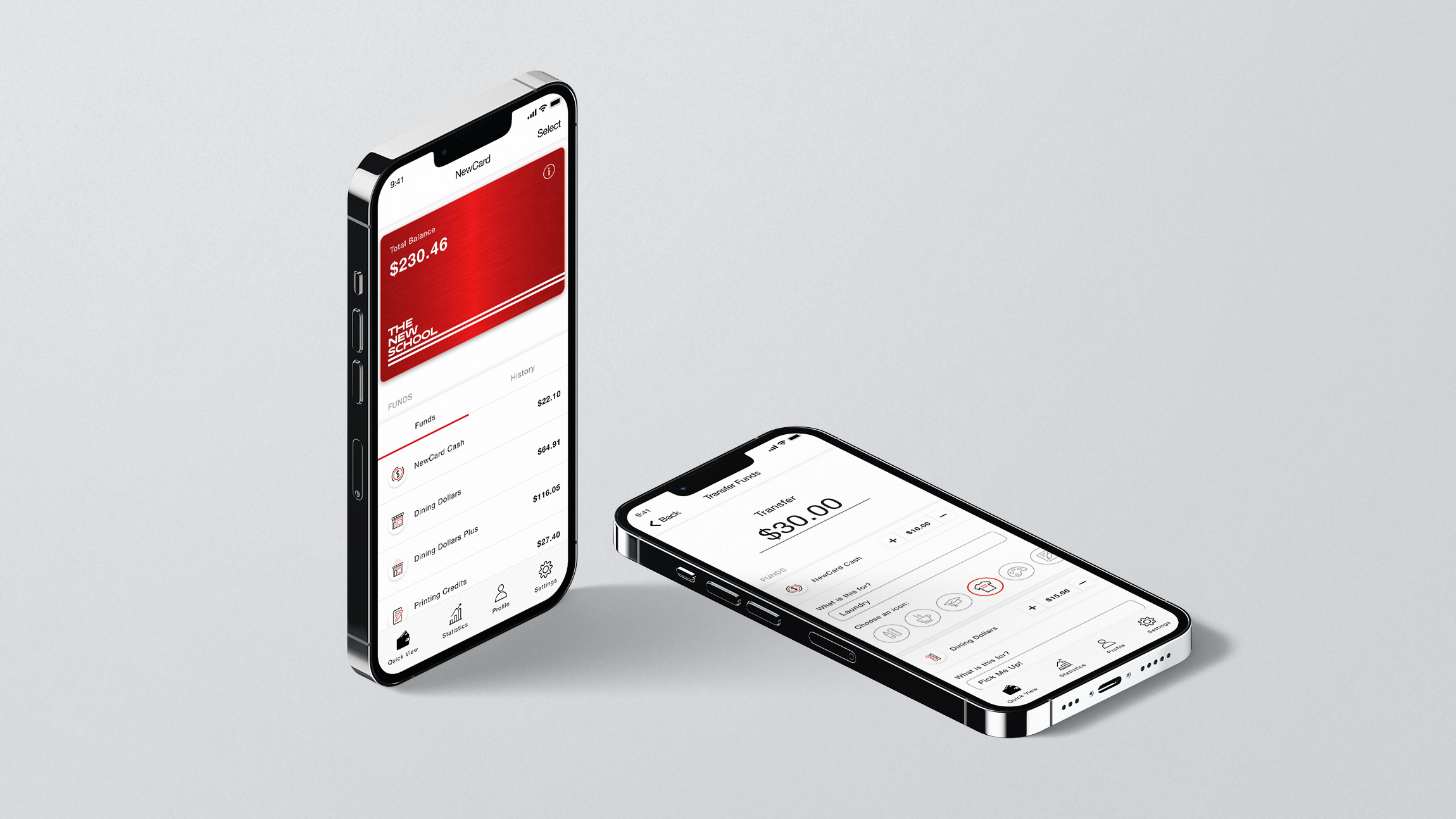
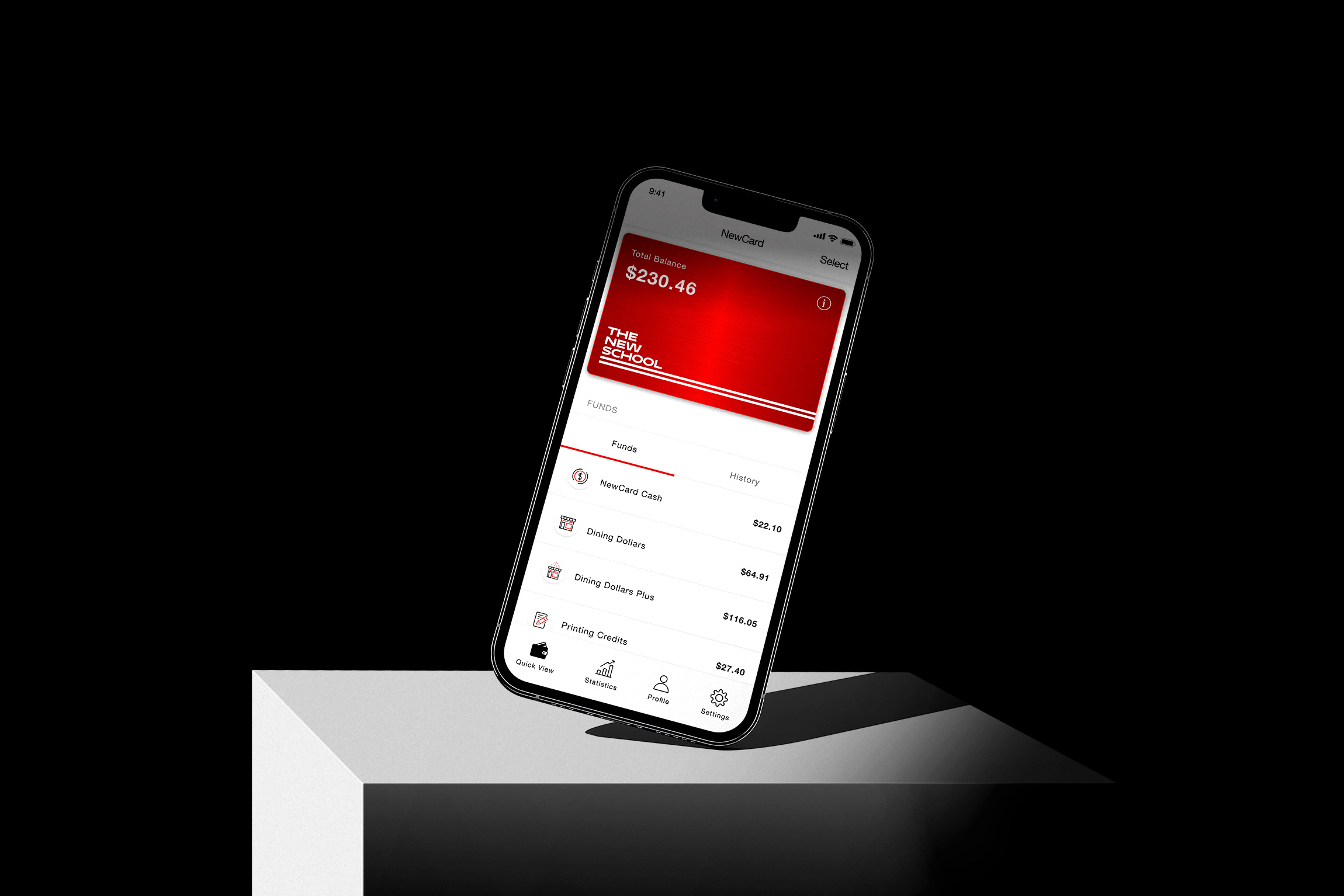
Enables users to view their available funds - all in one place. This includes NewCard Cash, Dining Dollars, Dining Dollars Plus, and Printing Credits. This feature ensures that users can quickly oversee their finances.

Reload your funds

Users can conveniently allocate funds by simply tapping on each fund category. By tailoring their spending to their specific needs, students can make the most out of their funds and manage finances better.

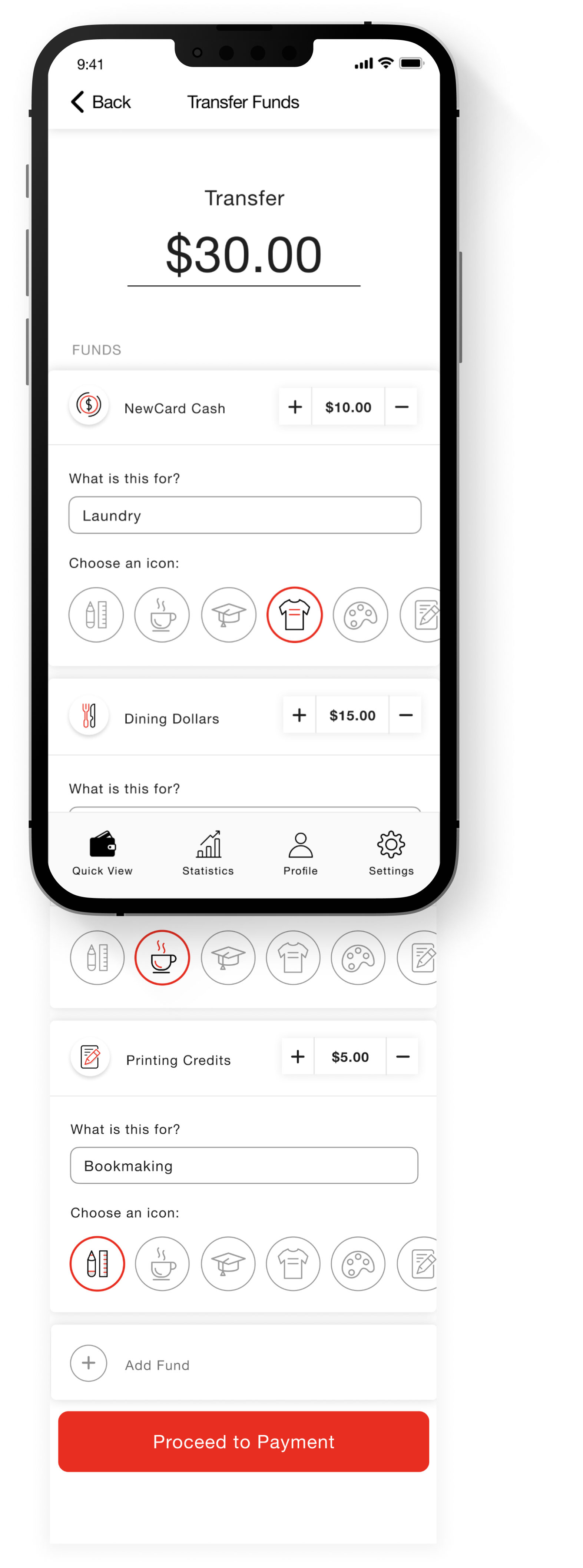
Add memos or notes

In addition to topping up their funds directly from the app, users can add memos to each fund deposit, enabling them to track their spending more accurately through memo reminders.

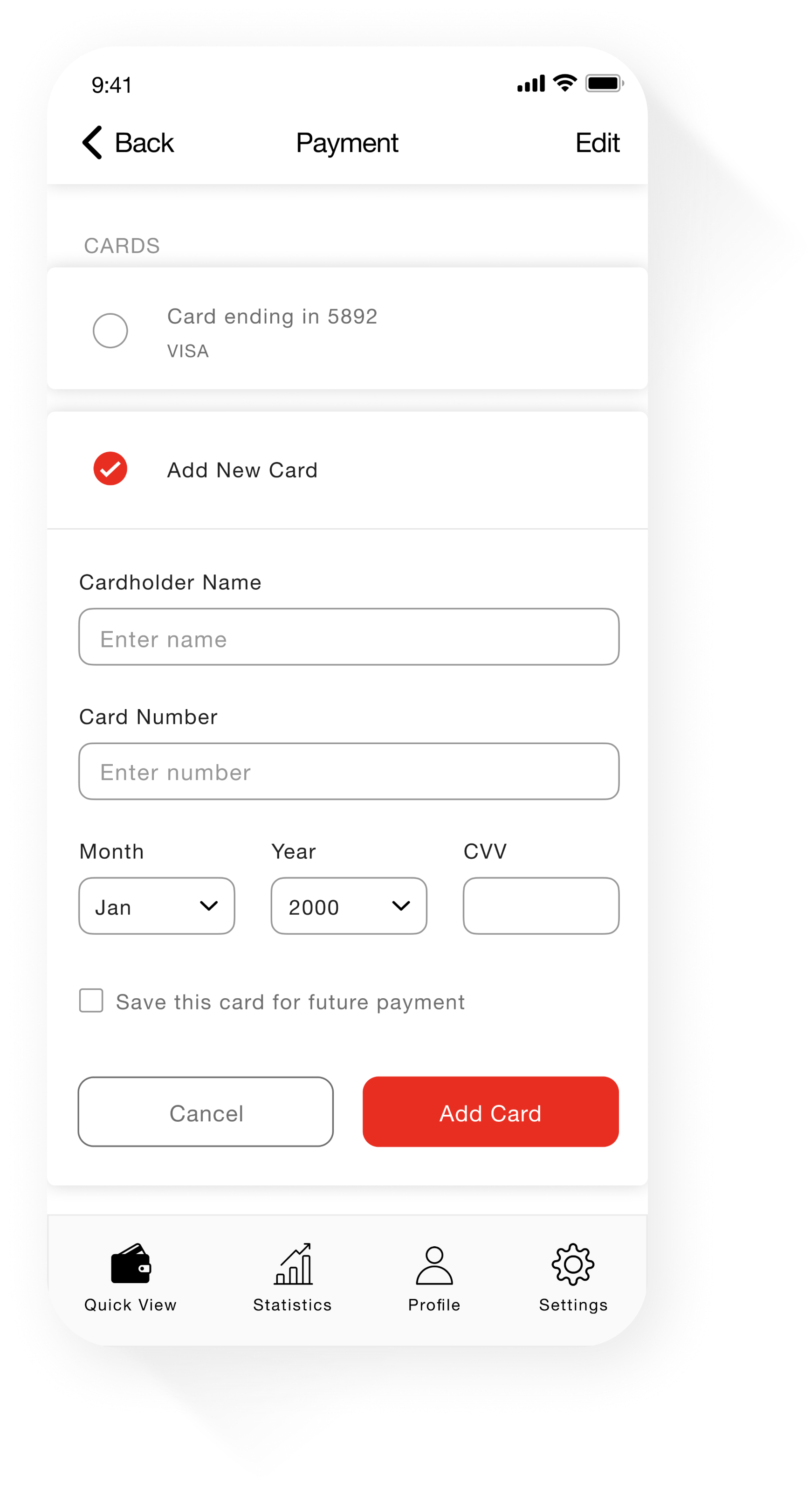
Transfer complete

Allows users to select their preferred payment method and complete transactions securely, all within the app. This feature ensures a hassle-free payment process.

Transaction history

Once the deposit is issued, the app directs the user back to the home screen. User can access their transaction history, displaying their expenses by date, fund type, and amount spent.

Student profile

Provides students with an overview of their educational information. This information allows students to easily access and review their academic standing at the university.

Statistics

Allows users to easily track and analyze their transactions. With the ability to toggle time length and fund categories, users can get a detailed overview of their finances, identify spending trends, and have more control over their funds.

Invite friends and create teams

Use this form to describe your project
Thank you! Your submission has been received!
Oops! Something went wrong while submitting the form.